Видео
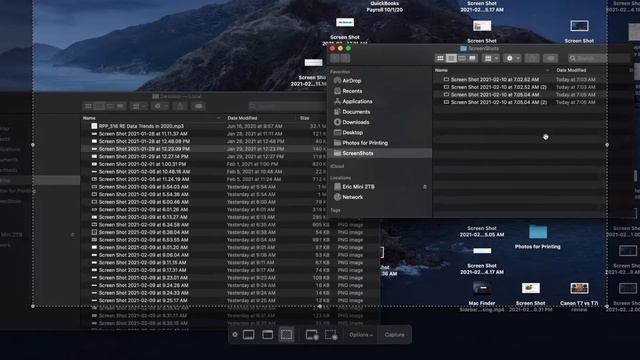
Hide Floating Thumbnail after Screenshot on Mac Quick Step by Step Directions: 1. Hold down ShiftCommand5 on your Mac 2. Select Options 3. Select Show Floating Thumbnail 4. When the checkmark is removed it will now stop floating, видео от 2024-02-21 загрузил на rutube Электронные Навигаторы...